More than 40 styles
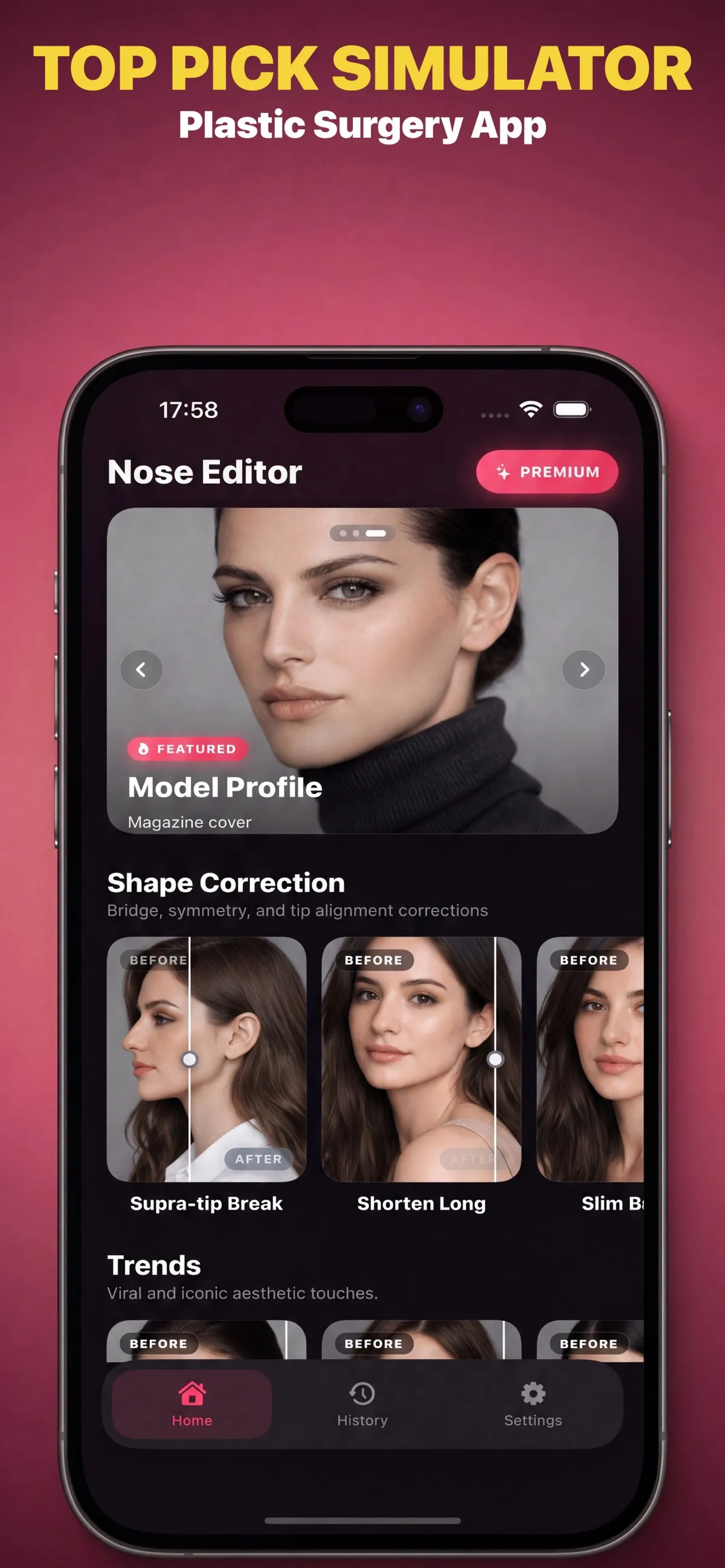
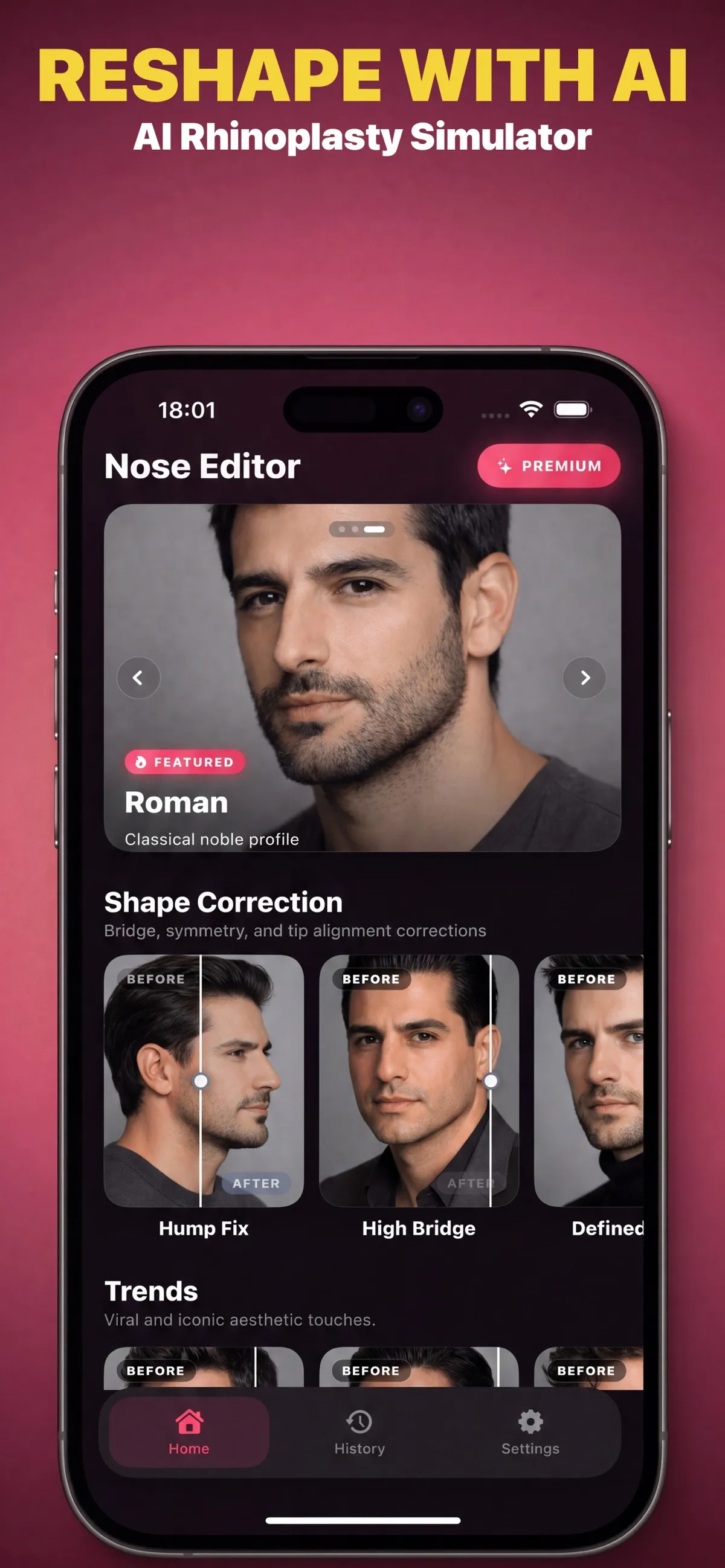
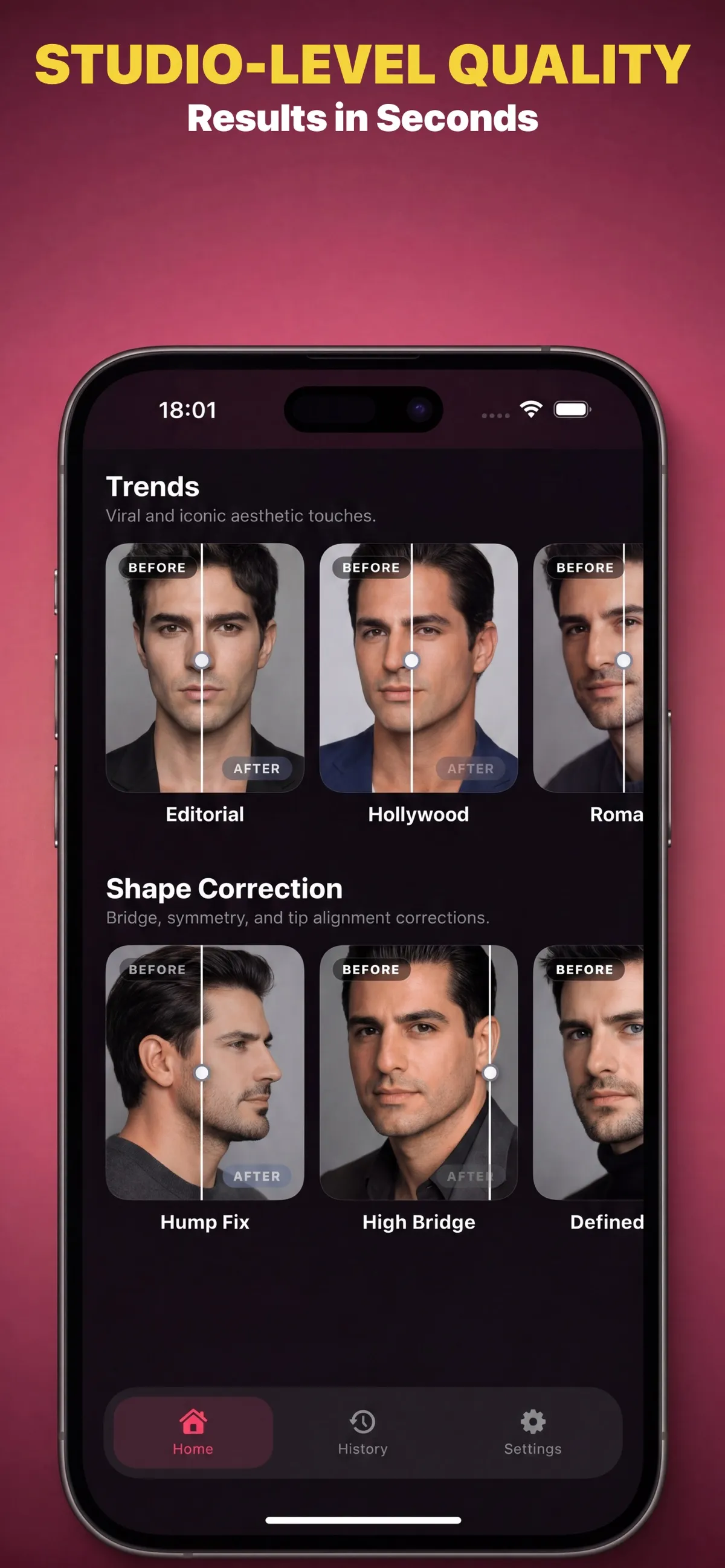
Browse a range of nose-style simulations, from subtle refinements to more distinctive shapes.
 NoseLook Get the app
 A personal preview, not a promise
NoseLook lets you explore AI-generated nose-style simulations on a photo of yourself. Try different looks, adjust the intensity, and compare a preview with your original image.
Explore NoseLook on the App StoreFor iPhone with iOS 18.6 or later. A subscription is required to use simulations.
Made for exploring
Explore possibilities at your own pace, while keeping the limits of a generated image in view.
Browse a range of nose-style simulations, from subtle refinements to more distinctive shapes.
Use the intensity control to explore a lighter or more pronounced version of a selected style.
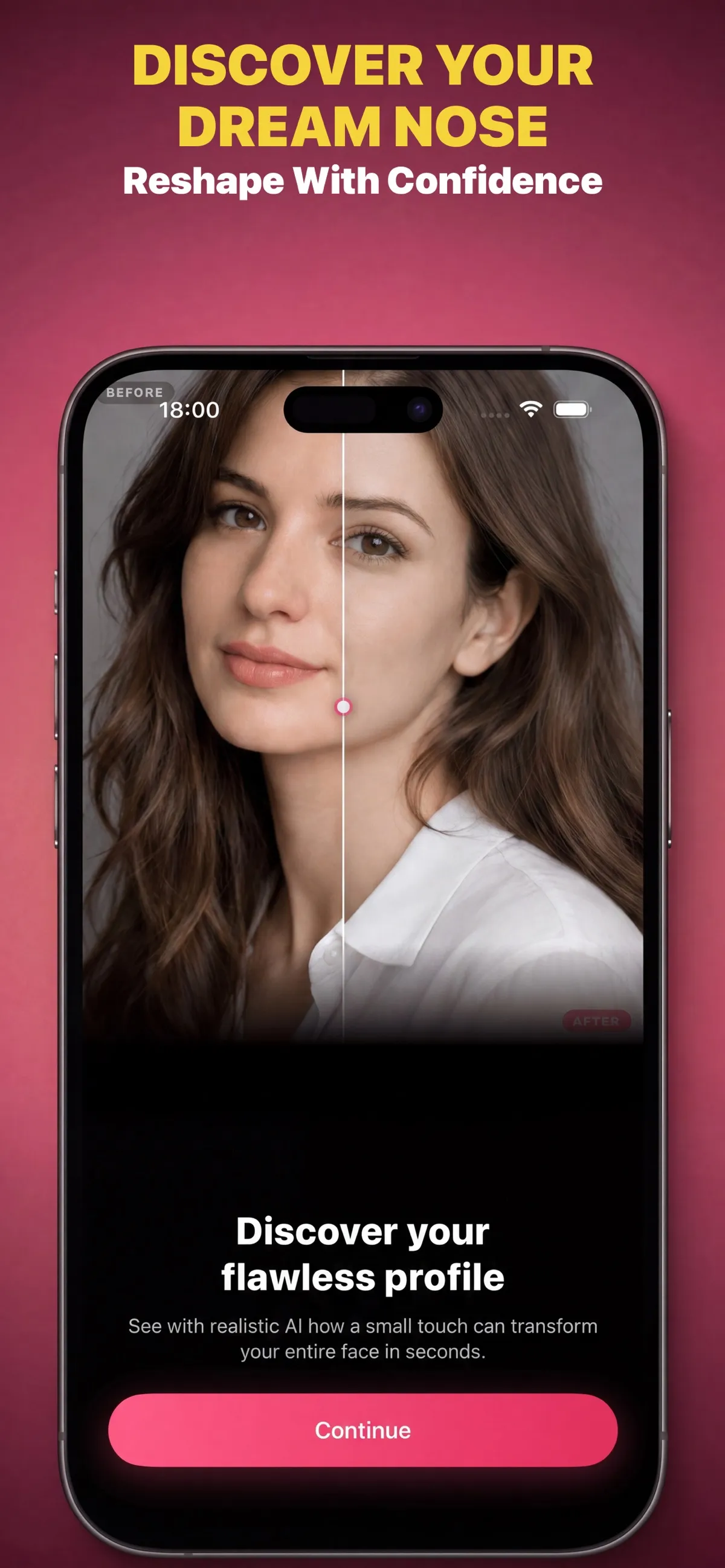
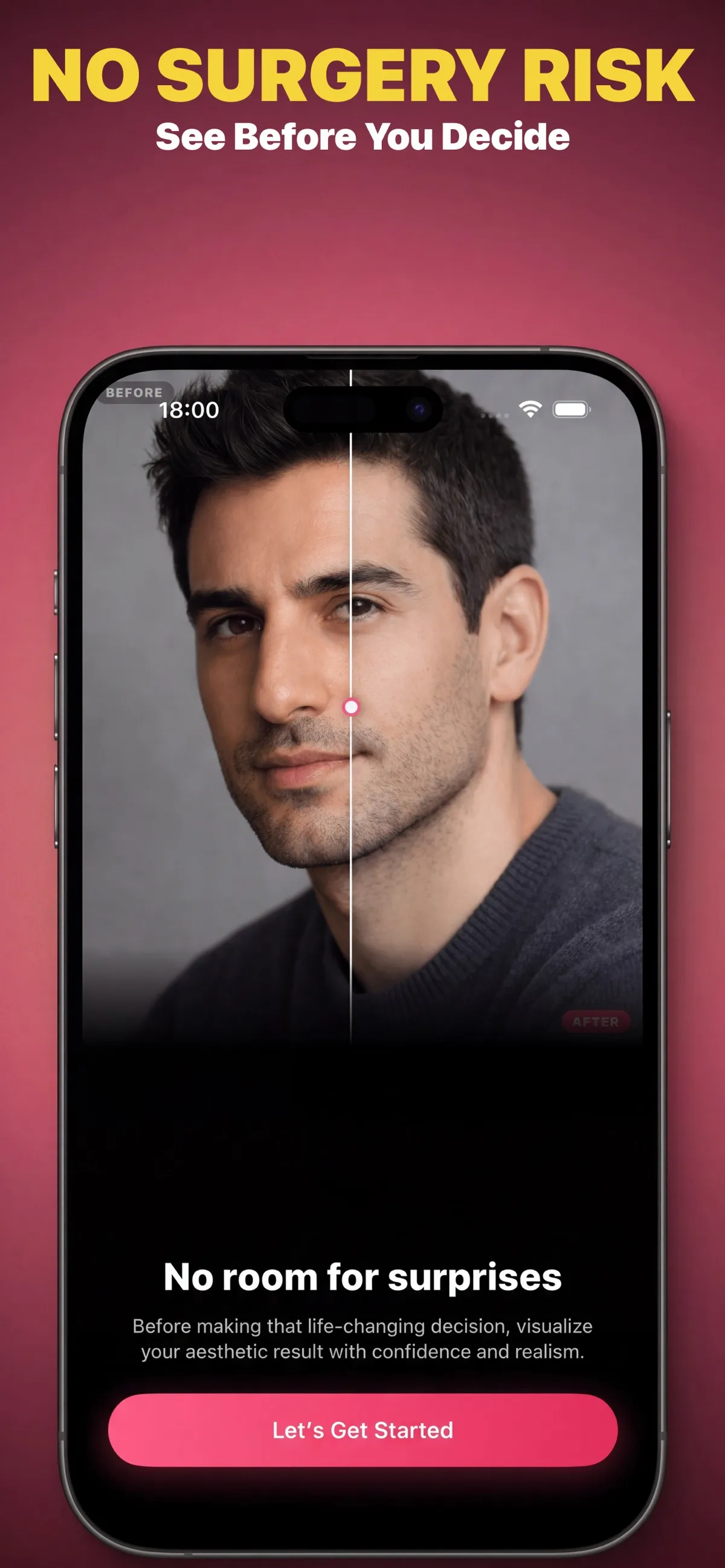
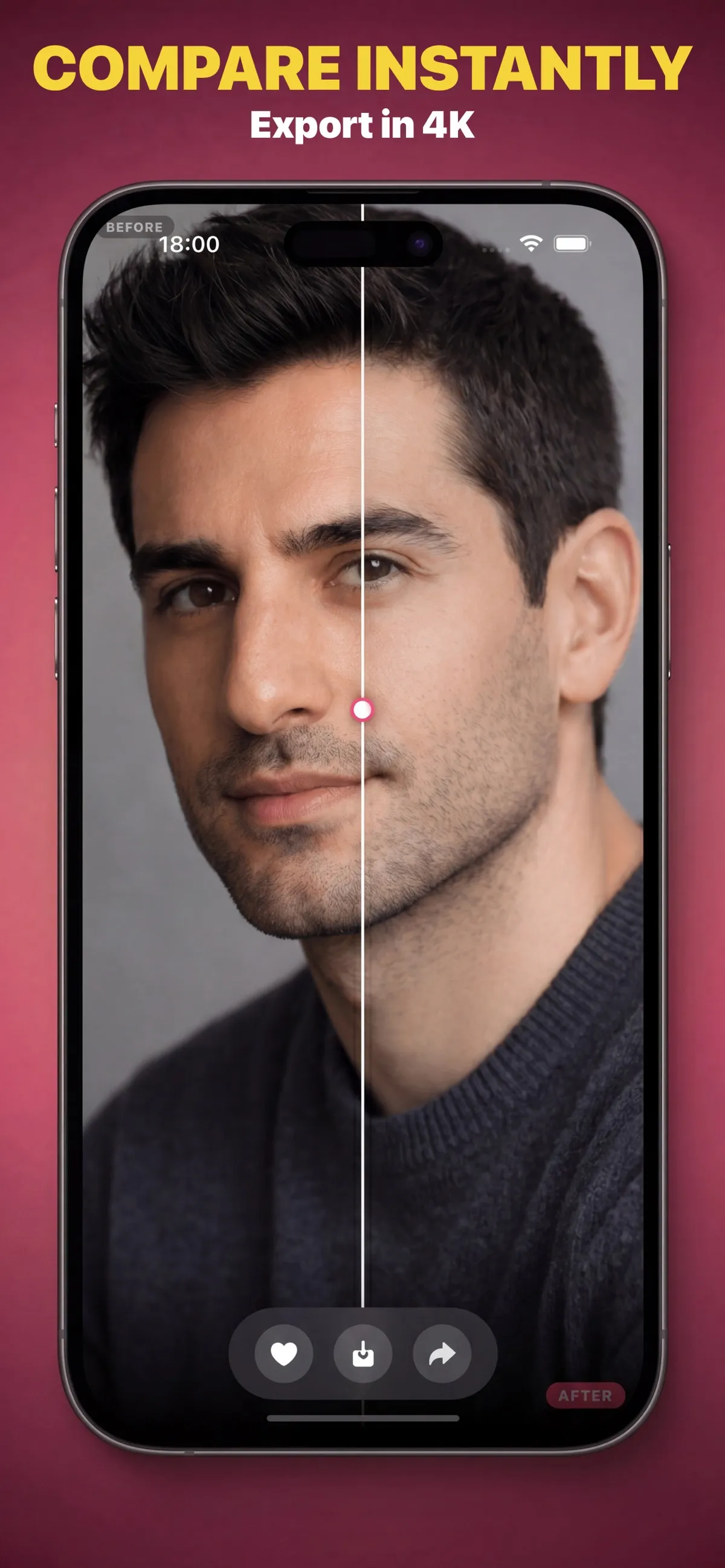
Move the comparison slider to view the generated preview alongside your original photo.
Return to saved simulations in the app's history and revisit the previews you chose to keep.
A simple flow
Start with a photo in the app to create a personal visual preview.
Select from more than 40 styles and adjust the simulation intensity.
Use the before-and-after slider to look at the generated image beside your original.
Inside NoseLook
App Store previews show the app's style selection, generated results, comparison control, and history.
Original App Store screenshots are shown in English.
Good to know
No. NoseLook is an entertainment and educational visualizer, not medical advice or a prediction of surgical results. A generated image cannot show what a procedure would actually do. Speak with a qualified medical professional for individual medical questions.
No. The preview is an AI-generated image and is not a reliable prediction of appearance after surgery. Image generation can change details, and real outcomes depend on many factors that a photo simulation cannot represent.
Yes. A subscription is required to use simulations in the app. Check the App Store listing and in-app purchase screen for the current offer and subscription terms before subscribing.
The App Store listing specifies iOS 18.6 or later. See the listing for current compatibility details.
Contact NoseLook through its support account on X.
NoseLook is a visual experience for entertainment and education. A simulation is not a promise, diagnosis, or surgical plan.
View NoseLook on the App Store